Carousel
Role
Product Designer · UI/UX
YEAR
2022
Focus
Photo Management · Timeline UI/UX
YEAR
2022
Client
Concept
YEAR
2022
Year
2024
YEAR
2022
Replacing folders with time — a new mental model for photo management
Carousel is a self-initiated concept that started with a personal frustration most photographers share: a photo library that grows faster than any system can organize it. Thousands of images scattered across Lightroom catalogs, cloud backups, hard drives, and camera rolls — each with its own folder logic, each requiring its own search.
The question wasn't "how do we make folders better?" It was whether folders were the right mental model at all.
CHALLENGE — A file system masquerading as a memory system
The dominant paradigm for photo management — folders, albums, tags — is borrowed from file systems, not from how people actually think about their photos. Nobody remembers "that shot is in the Q3 2021 travel folder." They remember roughly when something happened, in what season, around what time in their life.
For photographers managing 100,000+ images, this mismatch creates genuine workflow paralysis. The library becomes a place to store things, not to use them.
PROCESS — Replacing the model before redesigning the interface
The design process started by mapping how photographers actually retrieve images — not how they file them. Interviews consistently pointed to time and context as the dominant memory cues, never folder names. That insight reframed the entire problem: the interface didn't need better organization tools, it needed a different organizing principle.
DESIGN DECISIONS — Navigation that matches how memory actually works
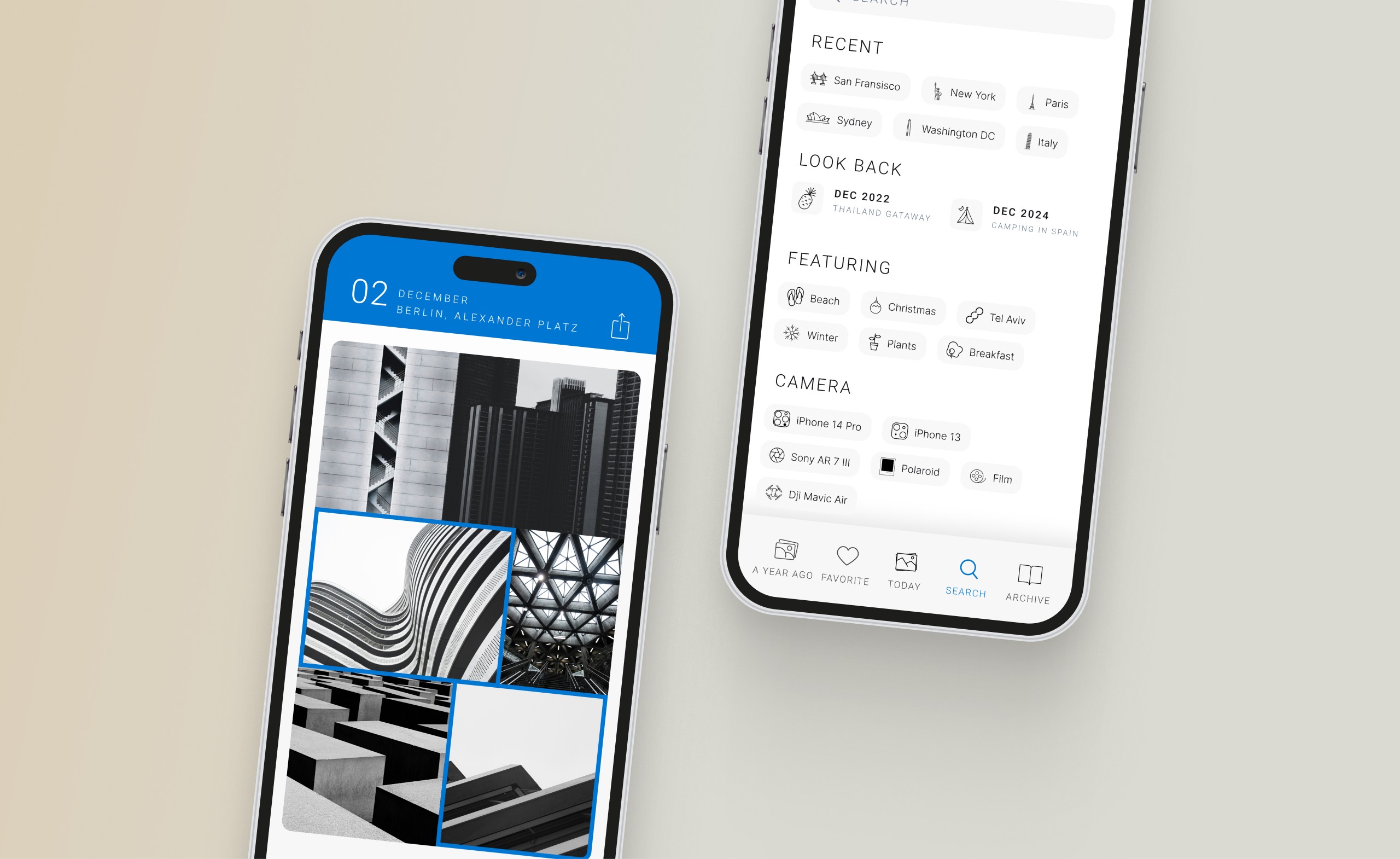
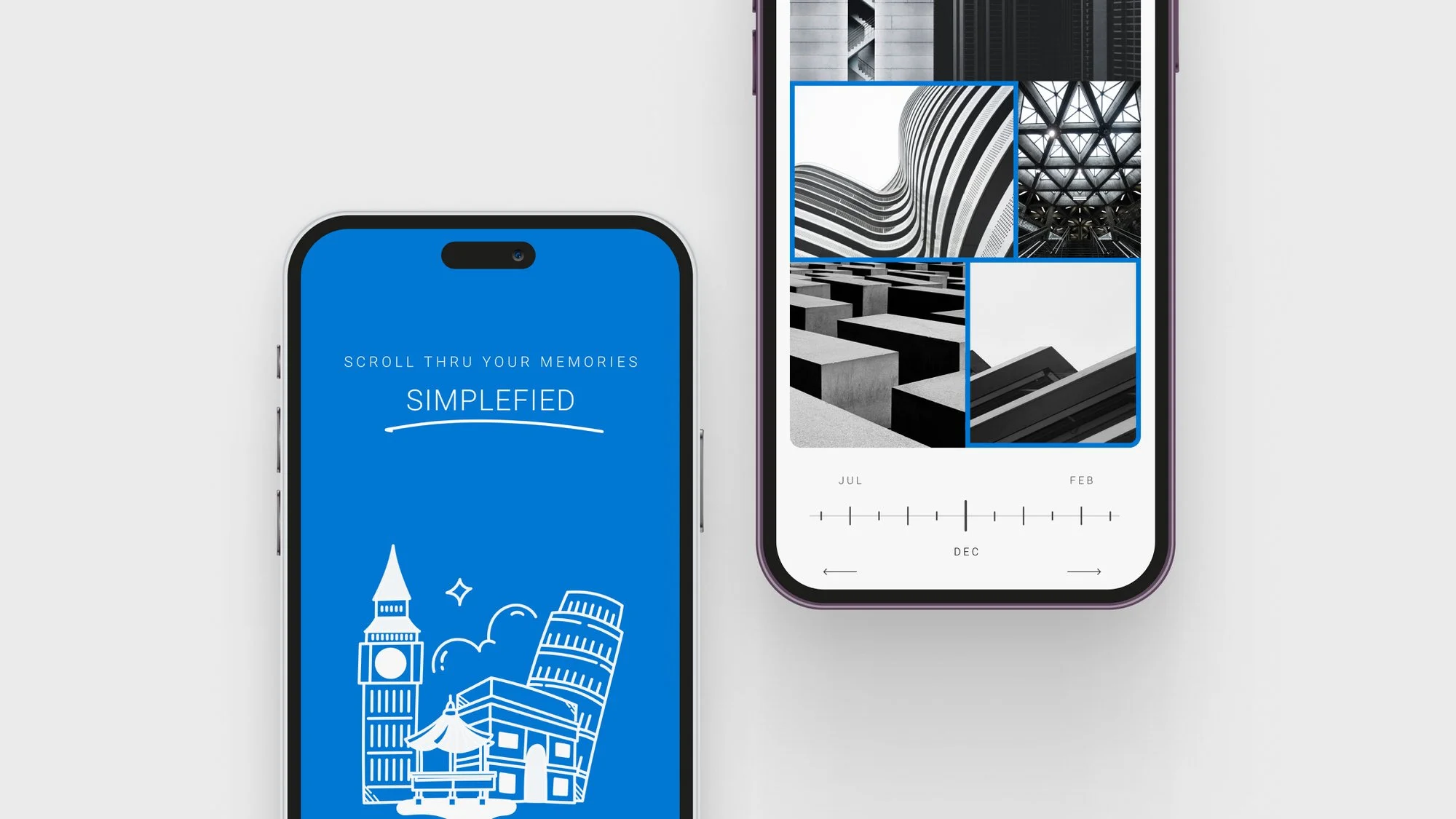
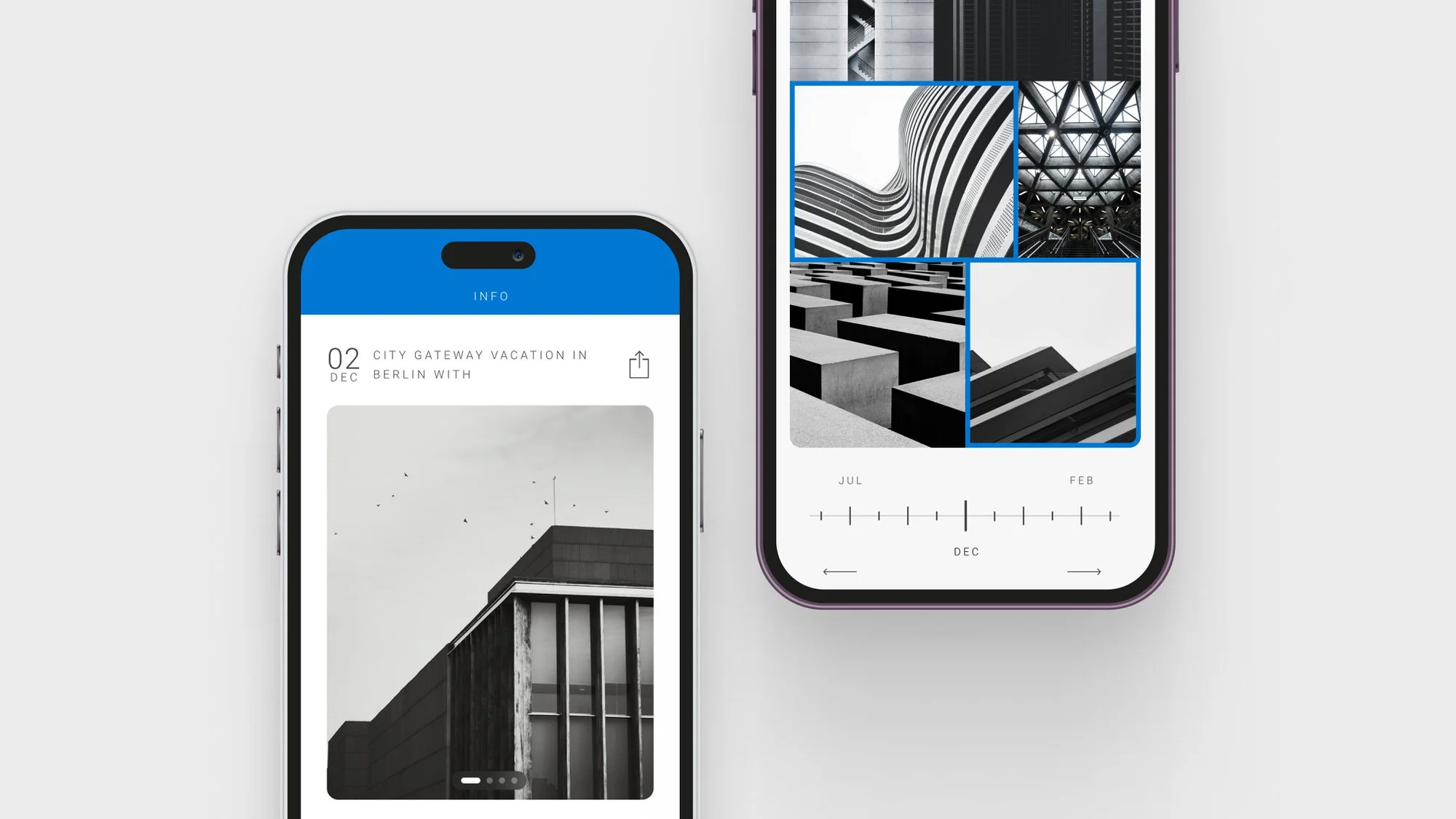
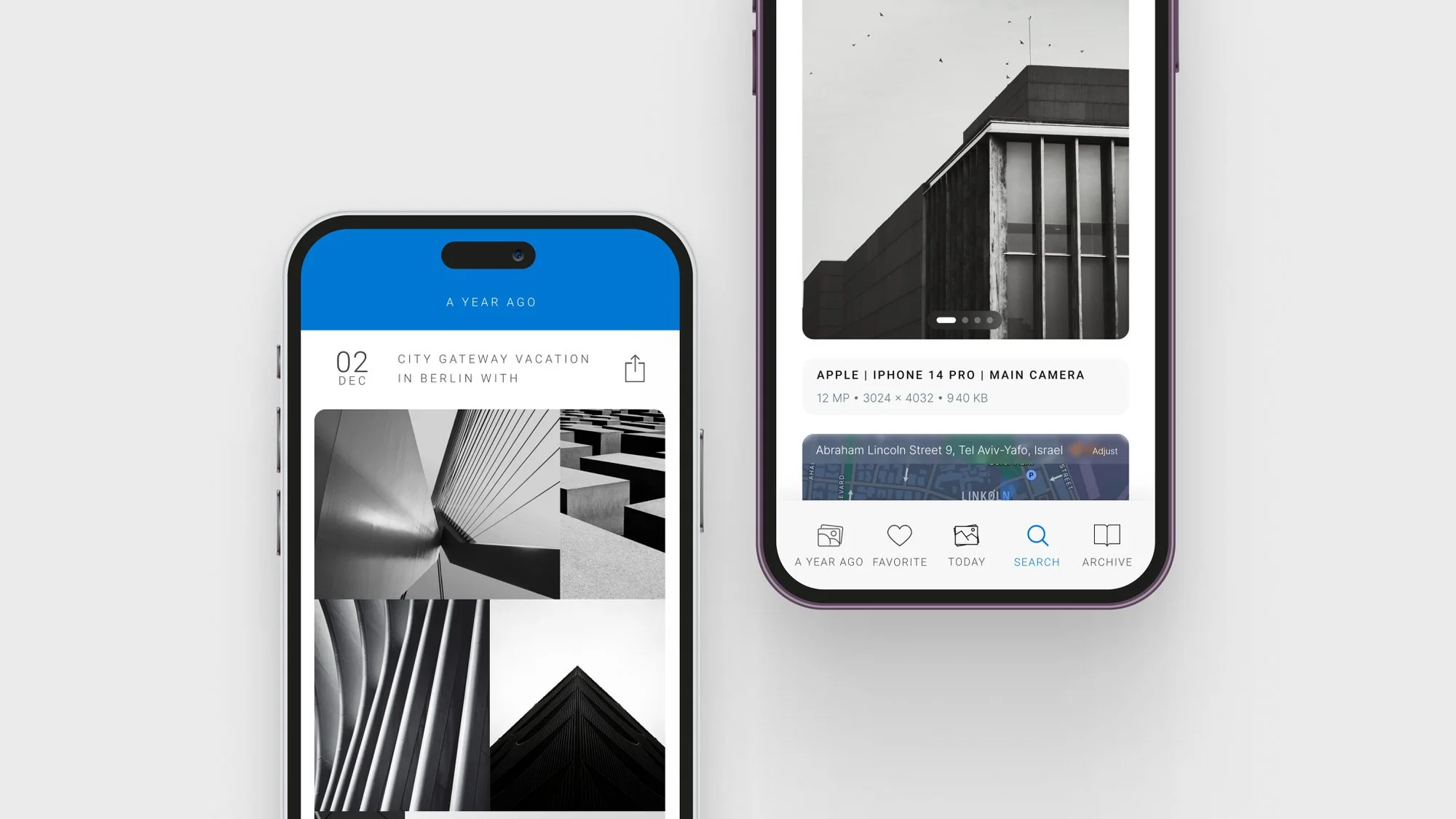
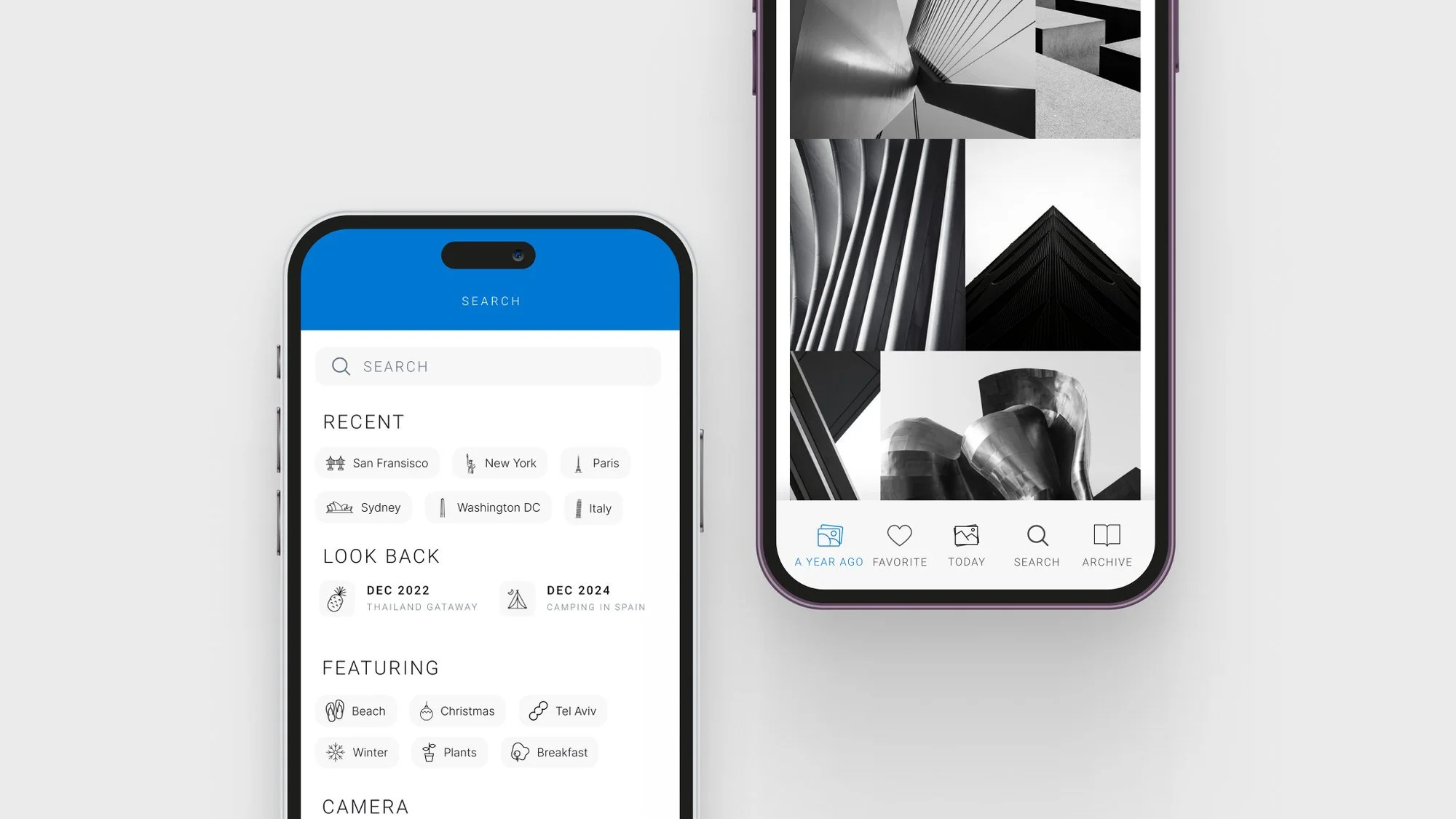
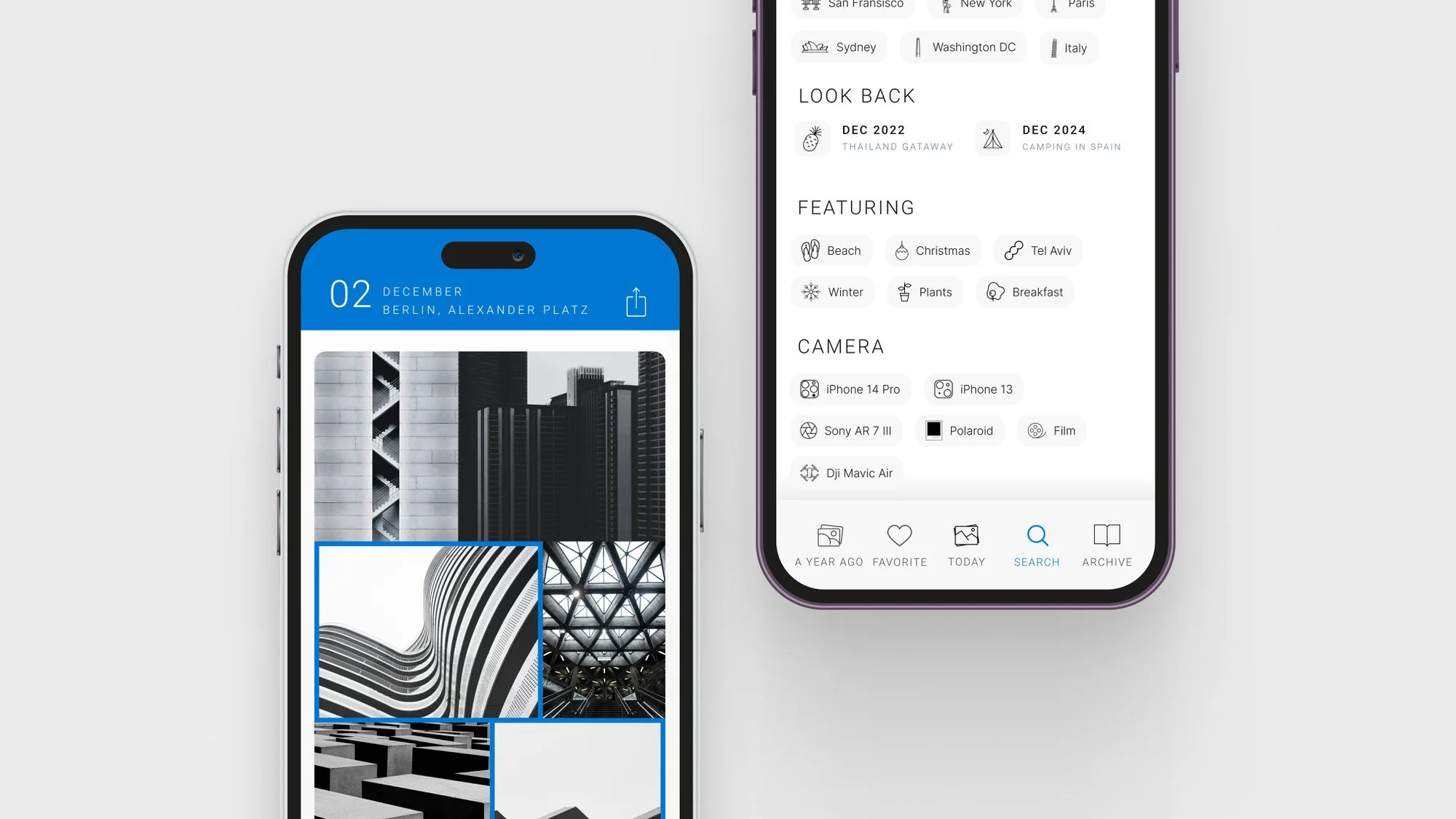
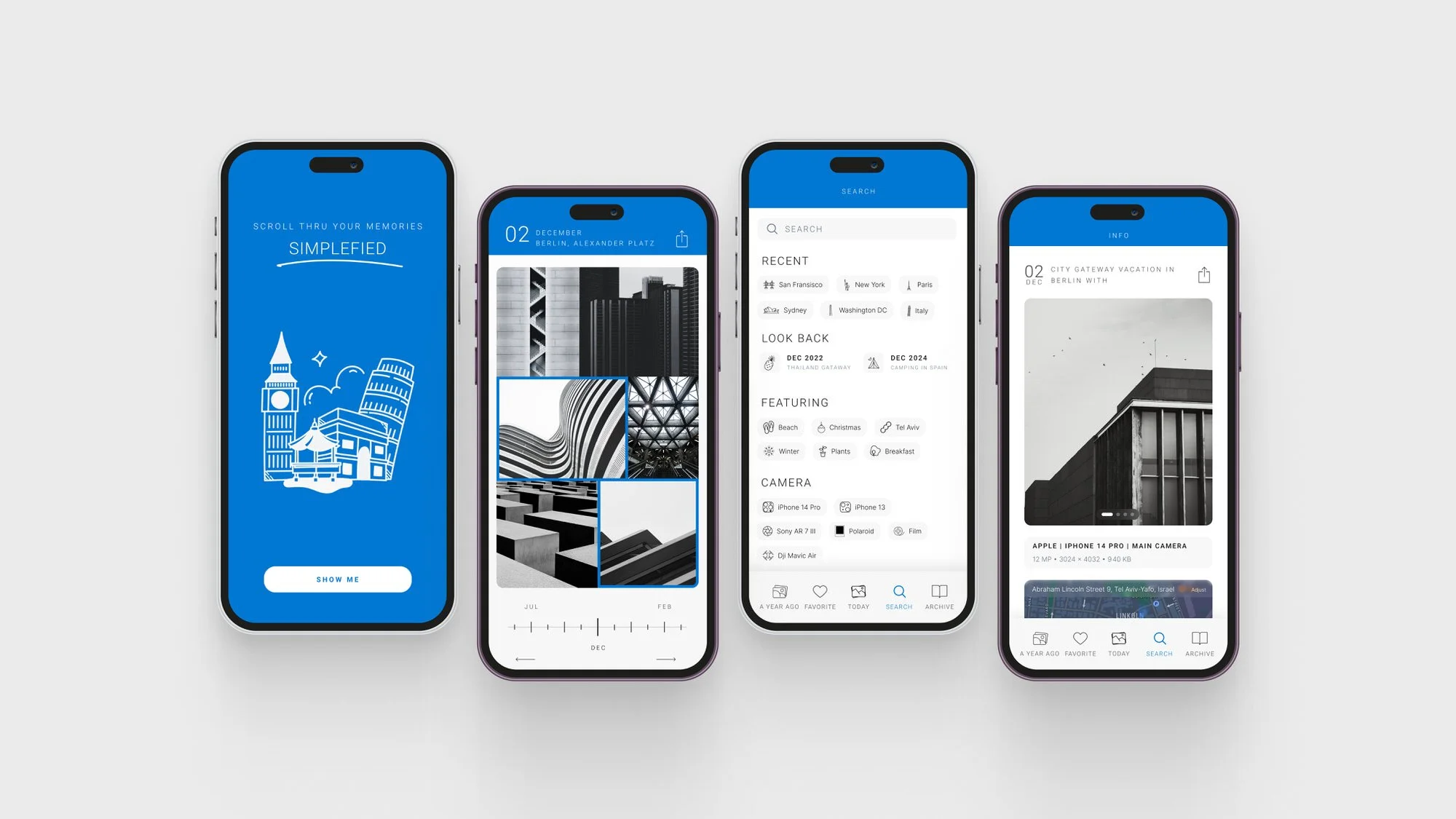
The central interaction is a timeline scrubber that lets users move fluidly between year, month, and day views — zooming a library the way you'd zoom a map, not drilling through folder hierarchies. A single continuous gesture replaces multi-step navigation, leveraging the mental model people already have for their own memories.
Density is managed through progressive summarization: year view shows representative landmark images, detail reveals itself as you zoom in. The visual language stays out of the way — neutral palette, generous spacing, minimal chrome — so the photos remain the subject.
IMPACT — Intuitive on first contact, rediscovery as a side effect
Testing consistently pointed to the same response: timeline navigation felt immediately intuitive, and users who'd stopped engaging with their libraries found themselves rediscovering images they'd forgotten existed.
Tools: Figma · Prototyping · Data Visualization · UX Research · Interaction Design